
Why Admin Dashboards Deserve More Engineering Attention
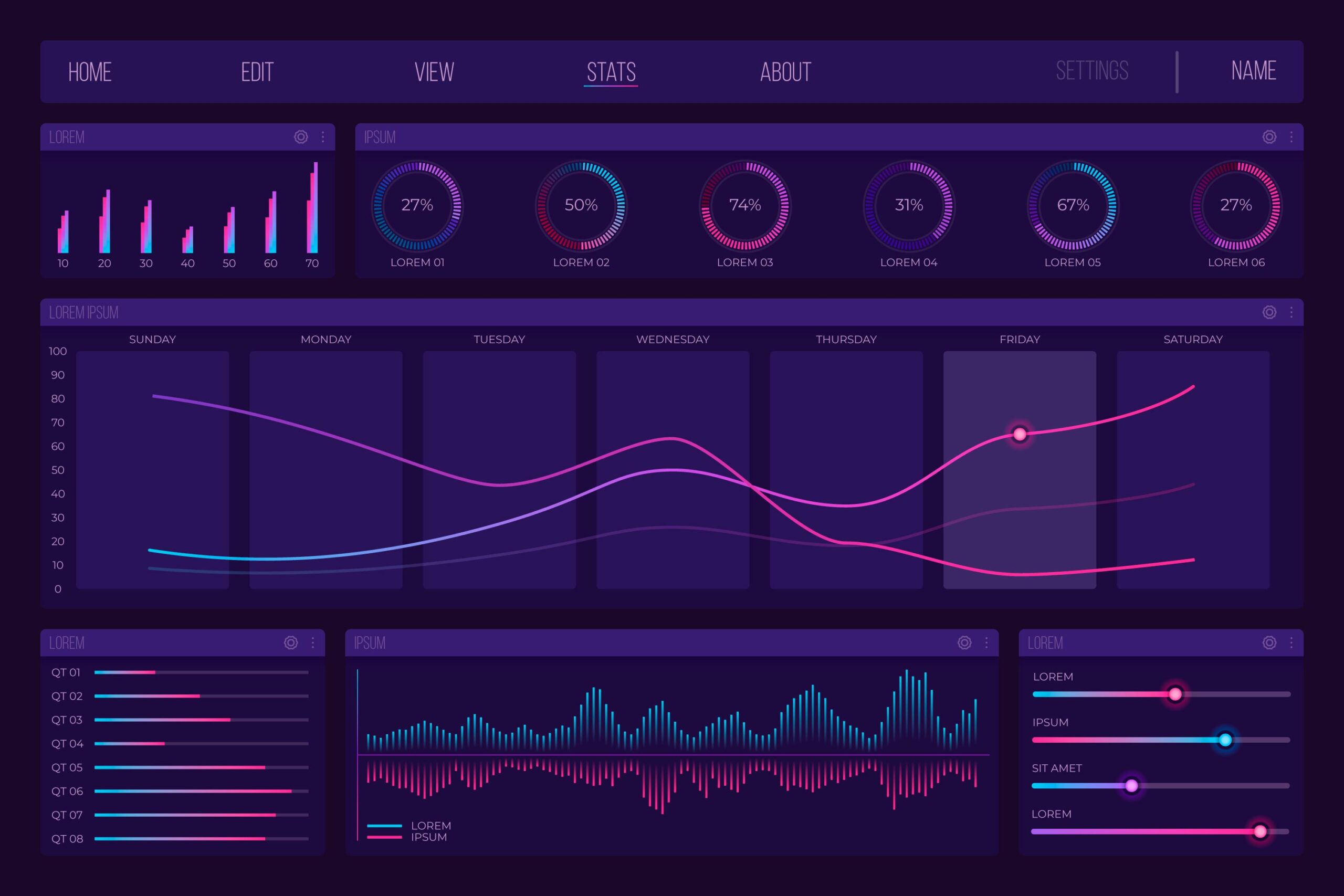
Admin dashboards are rarely the most visible part of a product, yet they are often the most critical. While user-facing interfaces receive the majority of design and engineering focus, internal tools quietly carry the operational weight of the entire platform.
After working on content management systems, caregiving platforms, and large-scale e-commerce products, one thing has become clear: poorly designed admin dashboards slow teams down far more than imperfect public UIs.
Admin Users Are Power Users
Admin dashboards are built for people who rely on them every day. Content editors, operations teams, support staff, and administrators use these tools continuously, often under time pressure.
Unlike public interfaces, admin dashboards must handle:
-
Large and complex data sets
-
Advanced filtering and bulk operations
-
Role-based permissions
-
Edge cases that rarely appear on the public side
Small inefficiencies compound quickly when multiplied across daily workflows.
Complexity Lives Behind the Scenes
Most of a platform’s real complexity lives in its admin layer. Data integrity, workflow validation, permissions, and system constraints are usually enforced here, not in the public UI.
As platforms evolve, dashboards must adapt to new business rules, new data models, and new operational needs. When dashboards are tightly coupled or poorly structured, every change becomes expensive and risky.
Designing admin systems with extensibility in mind is not optional — it is essential for long-term stability.
Permissions and Roles Are Architecture Decisions
Role and permission systems are often treated as implementation details, but they are architectural decisions with lasting impact.
As teams grow, new roles emerge, responsibilities shift, and access requirements change. A rigid permission model quickly becomes a source of frustration, forcing workarounds that undermine security and clarity.
A well-designed permission system enables growth without constant rewrites, allowing the platform to evolve alongside the organization.
Admin UX Is About Efficiency, Not Aesthetics
Admin dashboards do not need to be flashy, but they must be predictable, fast, and clear. Consistency matters more than novelty.
Clear navigation, sensible defaults, and transparent system behavior reduce cognitive load and prevent costly mistakes. When admins trust the tools they use, teams move faster and with more confidence.
Good admin UX is not about visual polish — it is about enabling people to do their work without friction.
Scaling Teams Requires Scaling Tools
As platforms scale, so do the teams operating them. Admin dashboards that worked for a small group often fail when usage increases across departments.
Scalable admin systems support:
-
Multiple user roles
-
Auditability and traceability
-
Operational visibility
-
Safe iteration and experimentation
Investing in internal tooling early pays dividends as the organization grows.
Final Thoughts
Admin dashboards may not be the most glamorous part of a product, but they are among the most important. They define how efficiently teams operate, how safely systems evolve, and how well a platform scales over time.
Strong products are built not only on great user experiences, but on robust, thoughtful internal tools that support the people behind the scenes.